If you’ve been teaching for more than 10 minutes, you already know this universal truth:
Kids will engage with anything that feels fun, competitive, or new… and ignore anything that feels like “school.”
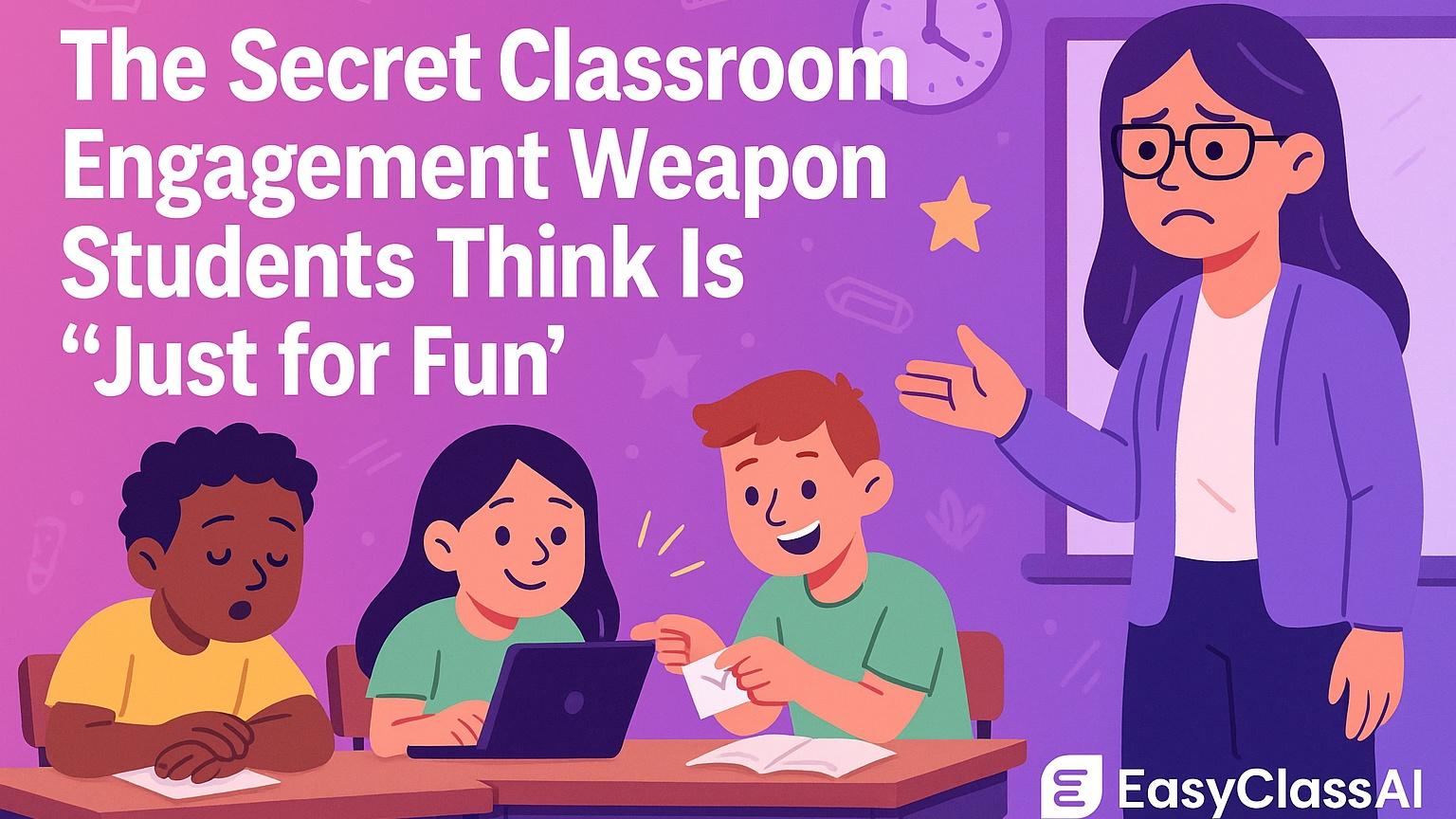
That’s exactly why Display Boards have become the secret engagement weapon in classrooms — especially in grades 3–8. Students think they’re just fun screens with timers, GIFs, scratch-offs, and bright colors, but teachers know the truth:
Display Boards quietly fix the daily classroom chaos that drains your voice, energy, and patience.
This isn’t one of those “add something extra to your plate” teaching strategies. Display Boards replace the systems that currently cost you time and sanity. They stop 6 of the most annoying classroom problems dead in their tracks — without you repeating yourself, yelling over the room, or losing half your class to boredom.
Below are the six real school-day struggles Display Boards eliminate, plus ready-to-steal examples you can use immediately.
1. The “Can You Repeat the Directions?” Loop
The Daily Problem (AKA: Teacher Pain in Quote Form):
“Did anyone actually listen the first time, or did I just give directions for my own entertainment?”
You give clear instructions. Kids nod. Three minutes later…
“Wait, what are we supposed to do?”
It’s not that they don’t care — many students don’t process multi-step verbal instructions, especially SPED, ELL, ADHD, and younger learners. And repeating yourself 4–6 times a class period isn’t part of the job description.
Why It Matters
Verbal-only directions create student dependence, learned helplessness, and constant interruptions. They cost you instructional minutes every single day.
How Display Boards Fix It
When directions live on your board all class long, students become more independent. Add visuals, numbered steps, and quick reminders — and watch questions drop.
Steal This Display Board: “Do It Once, Refer Back All Period”
Use this layout:
-
Title: Today’s Task:
-
Steps 1–3 with icons or images for each
-
Need Help? box with sentence stems like:
-
“I’m stuck on step ___.”
-
“Can you clarify what ___ means?”
-
-
When You Finish: early finisher box at the bottom
Teacher Cheat Code:
Reuse the same template daily so students instantly know where to look instead of asking you.
2. Transitions That Don’t Eat 6 Minutes Each Time
The Daily Problem:
Moving from warm-up → mini lesson → partner work should be smooth. Instead, it sounds like:
“Where are we supposed to be right now?”
“Are we done?”
“Do we clean up yet?”
Why It Matters
Six sloppy minutes per transition x five periods = half a class of wasted time. And that time adds up to DAYS by the end of the year.
How Display Boards Fix It
A Display Board becomes your Transition Command Center:
-
Timer creates urgency and structure
-
Clock supports pacing
-
Music cues signal movement
-
“When the timer ends…” expectations eliminate confusion
Steal This Display Board: “Smooth Transitions Command Center”
Include:
-
Clock widget (analog or digital)
-
Timer: “You have 4:00 to rotate & reset”
-
Expectations Box:
“When the timer ends, you should be seated, materials out, voices off.” -
Progress Mini-Goal:
“Beat the timer 3 days this week = 5 class points”
Teacher Cheat Code:
Add a short soundtrack or GIF next to the timer for fun — students move faster when it feels like a mini challenge.
3. Early Finishers & the “I’m Done!” Chaos
The Daily Problem:
Early finishers wander, distract others, or hover over you asking, “What do I do now?”
Why It Matters
When the first 5 kids finish early, you become a walking task generator instead of teaching.
How Display Boards Fix It
Make early finisher options visible at all times. Students learn: when I finish, I check the board — not the teacher.
Steal This Display Board: “Pick Your Challenge” Menu
Include 4 choices such as:
| Option Type | Description |
|---|---|
| Skill Practice | Quick practice sheet (generated in 30 seconds using a Worksheet Generator) |
| Creative Option | Comic strip, journal prompt, design, or Flip activity |
| Extension | Above-level challenge or puzzle |
| Classroom Helper | Jobs that build responsibility |
Teacher Cheat Code:
Rotate 2–3 items weekly so it feels new, but don’t reinvent the wheel. Students LOVE consistency with just a twist.
4. Mid-Lesson Engagement Drops (Especially After Lunch)
The Daily Problem:
Attention span is short. After lunch? You’re fighting a full-on energy crash.
Why It Matters
When engagement dips, retention, effort, and productivity go with it.
How Display Boards Fix It
Gamify the lesson:
-
Add a GIF or short video to hook attention
-
Use scratch-off widgets for earned rewards
-
Switch up the board theme to match what your kids love
(sports, anime, Taylor Swift, Roblox, Marvel, holidays, etc.)
Steal This Display Board: “Engagement Spark Board”
Include:
-
Hook Video/GIF: 10–20 seconds tied to the topic
-
Objective: written in student language (“Today we’re learning how to…”)
-
Engagement Stars: Earn stars for participation, effort, teamwork
-
Scratch-Off Reward: Reveal when stars are earned
Teacher Cheat Code:
Keep a “reward bank” on standby — sometimes the reveal is a funny meme, not candy. Kids don’t care — they just love the reveal.
5. Dead Discussions & the “Crickets When You Ask a Question” Problem
The Daily Problem:
“Who wants to share?”
Silence. Avoided eye contact. Suddenly everyone is fascinated by their shoe.
Why It Matters
If students aren’t talking, they’re not processing — and they’re not mastering.
How Display Boards Fix It
Display Boards turn participation into a team sport:
-
Sentence stems boost confidence
-
Visible prompt keeps focus
-
Group points = instant motivation
Steal This Display Board: “Talk It Out” Board
Include:
-
Discussion Prompt: simple, visible, student-friendly
-
Sentence Stems:
“I agree with ___ because…”
“I’d like to add on to what ___ said…”
“I respectfully disagree because…” -
Group Points Tracker: 4–5 groups racing to earn points
Teacher Cheat Code:
Give the first point for the first brave share to break the silence.
6. When Learning Feels “Same Old, Same Old”
The Daily Problem:
If class feels predictable or repetitive, effort drops — fast.
Why It Matters
Engagement isn’t a luxury — it’s a learning requirement. Kids try harder when class feels like something worth showing up for.
How Display Boards Fix It
Themed boards make everyday learning feel fresh with zero extra prep.
Steal This Display Board: “Theme of the Week” Overlay
Pick a theme and use it across all boards for 5 days:
Examples:
-
Taylor Swift Tuesday
-
Mystery Week — one clue per day, reveal theme Friday
-
Survivor Week — class earns immunity rewards
-
Holiday Overlay
-
Sports Madness
-
Emoji Overlay Challenge
Teacher Cheat Code:
Only change the theme layer — NOT the structure. You get fresh hype with almost no work.
Final Thoughts: “Fun for Them. Strategic for You.”
Display Boards aren’t just cute screens — they are stealth classroom management and engagement systems disguised as fun.
Students think they’re playing a game.
Teachers know they’re building independence, saving time, reducing chaos, and maximizing learning.
The more you use Display Boards, the more routine and student-led your classroom becomes. You’ll talk less, students will think more, transitions get tighter, and engagement stays higher.
Because here’s the truth:
Kids will always show up for novelty, visuals, games, and competition.
Why not use that to your advantage?
If you want done-for-you templates or want to build your own Display Boards in seconds (with timers, widgets, scratch-offs, points, and plug-and-play layouts), EasyClass AI makes it ridiculously simple — and your students will think it’s “just for fun.”
Teachers know better. 😉