

Any AI model
Claude, ChatGPT and Gemini in one teacher tool, with Auto to pick for you
EasyClass AI puts Claude, the GPT models behind ChatGPT, and Gemini in one menu built for K–12 teachers. Leave it on Auto and it picks a model for each request, or choose one yourself. Either way you get classroom-ready worksheets, slides and quizzes, not just text.
Free plan · No credit card · Works in any browser
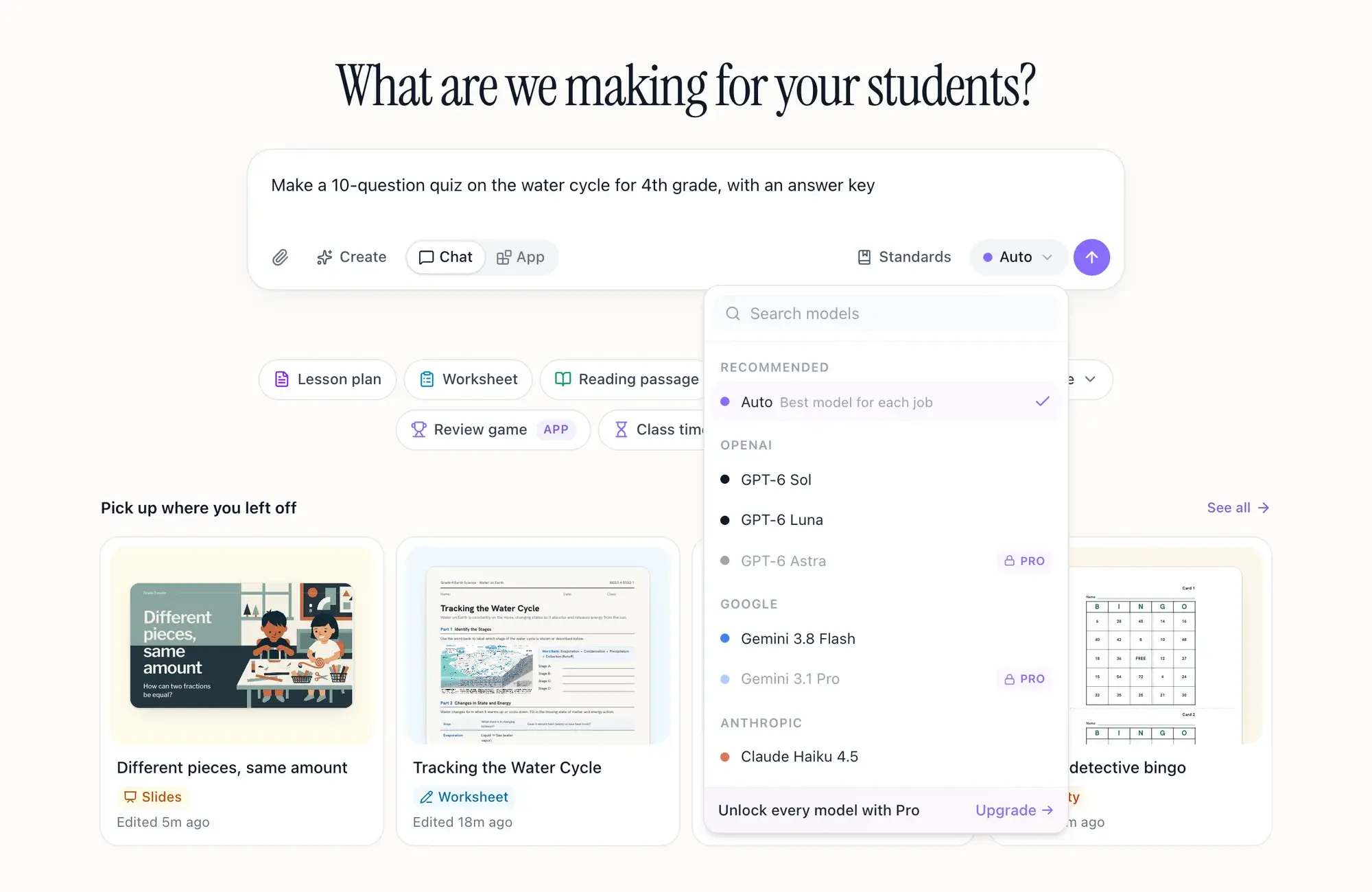
- In the menuClaude, GPT and Gemini models, plus Mistral, Grok and more
- DefaultAuto: a model picked for each message
- SwitchAny time, in the middle of a chat
- Free planThe standard models. Pro adds every model
The best AI for teachers is the one that fits the job
Every AI company says its model is the best. Try a few and you find each one has good days and bad days. Paying for three chatbots and pasting the same request into each is not a plan for a Tuesday night.
EasyClass keeps the models in one place and does the choosing for you. A quick question gets a fast answer. A worksheet or slide deck goes to a stronger model. Have a favorite? Pick it and it stays picked. Whichever model writes it, you get a real document to print, present or keep editing.
How the AI model picker works
The model menu sits in the chat box. You can leave it alone, or take control when you want to.
Leave it on Auto, or pick a model
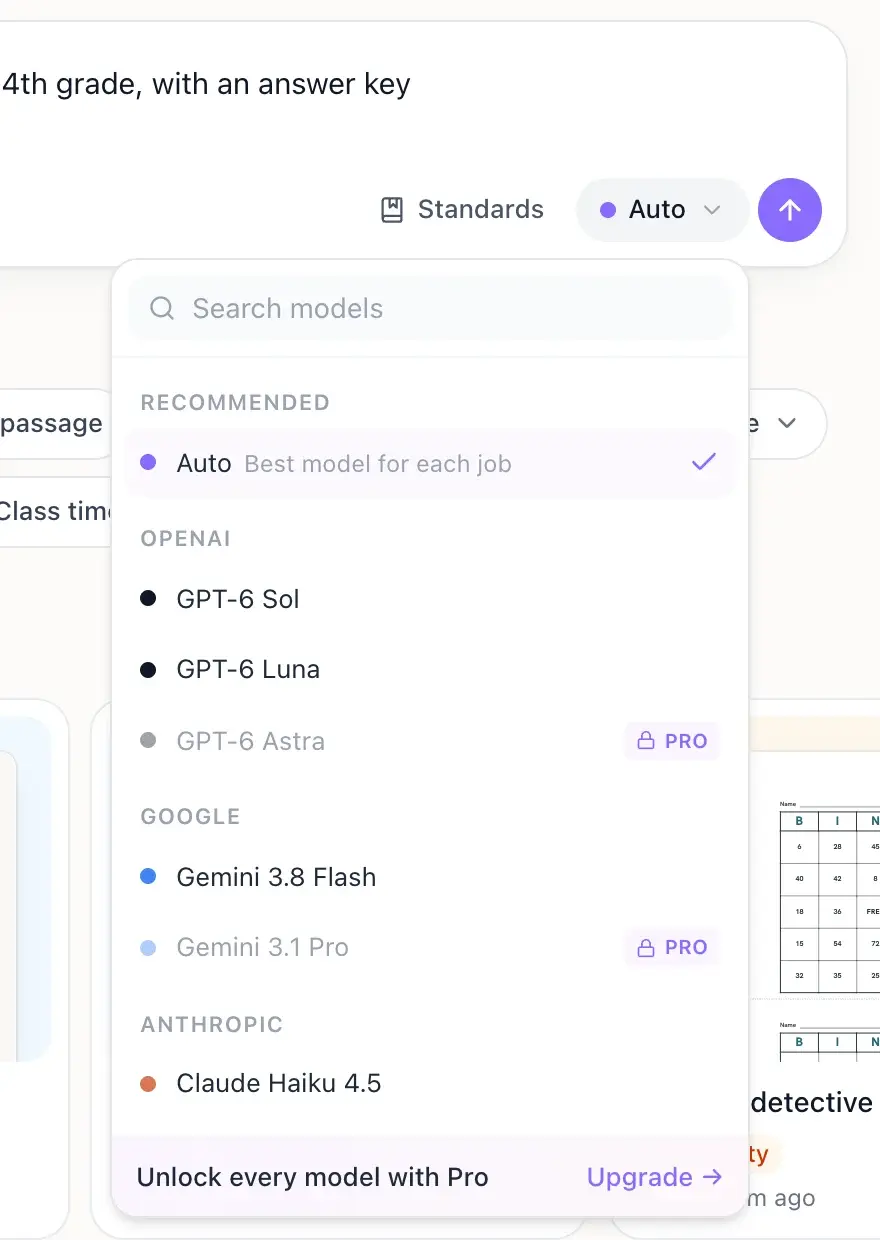
Auto is the default. Open the menu to see every model grouped by company. Models that need Pro show a lock.
Ask in plain words
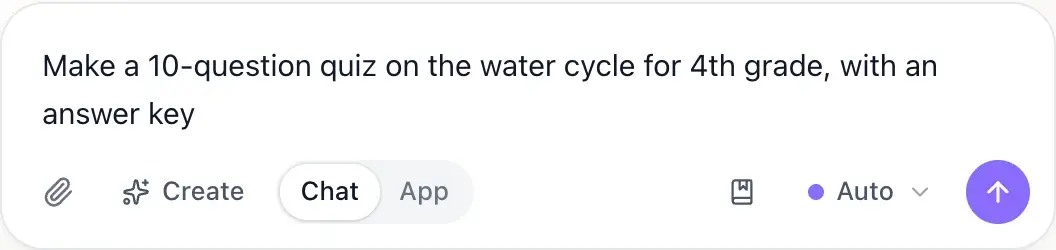
Type what you need, like "a 10-question quiz on the water cycle for 4th grade". Auto reads the request and sends it to a fast model or a stronger one.
Switch whenever you like
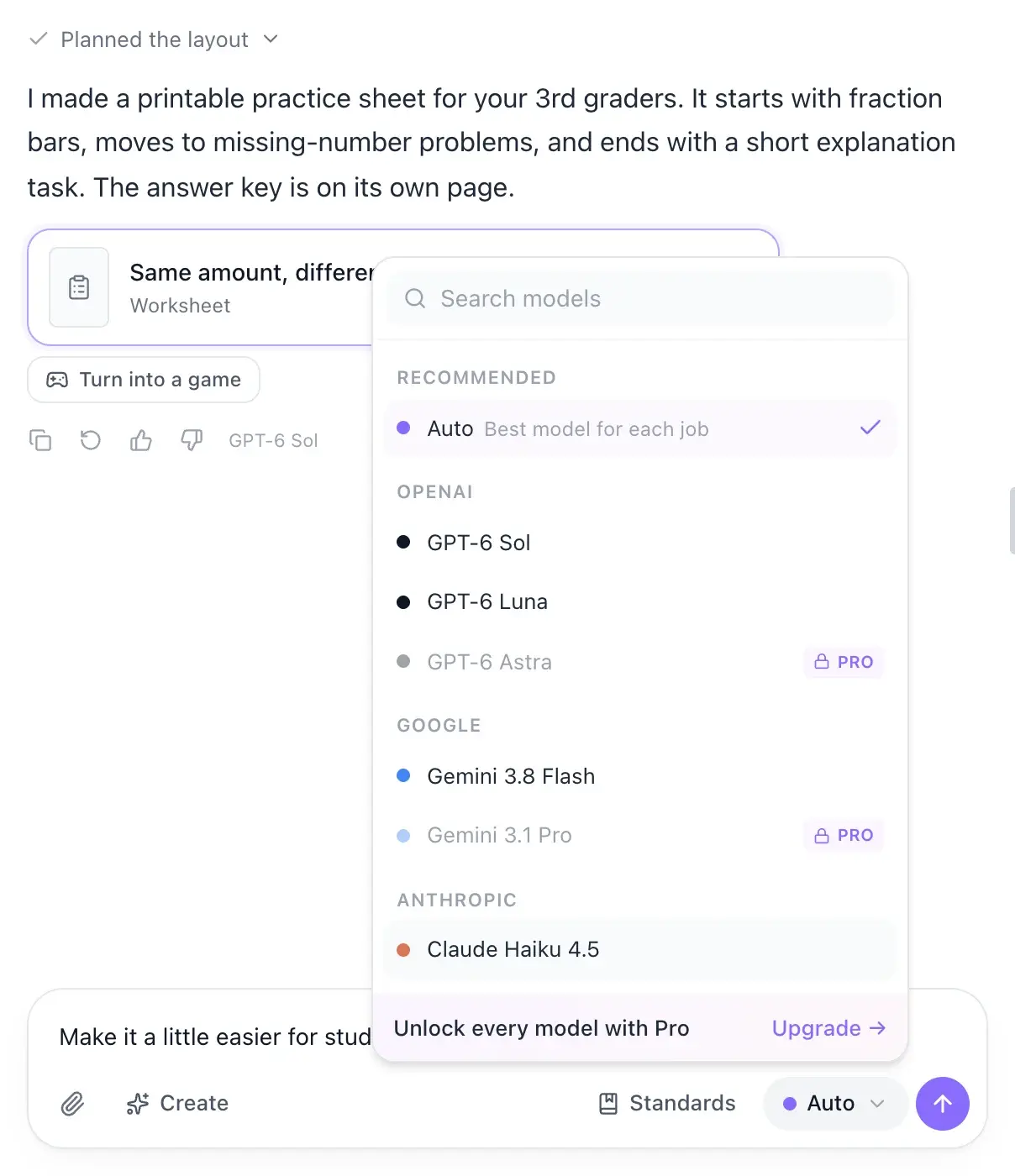
Not happy with an answer? Pick another model and ask again in the same chat.
Auto mode, step by step
How Auto routes your request
Auto reads each message before anyone answers it, then sends it down one of three lanes. Here is where common teaching jobs land.
You type
“Make a 10-question quiz on the water cycle for 4th grade”
Auto
Auto reads the request
What does the answer have to do?
- Chat
- New document
- Edit the open one
- Classroom tool
Fast model
Chat, ideas, emails and classroom tools
Today a Gemini Flash model
Quick questions and ideas
Bell ringers, discussion questions, a quick explanation. Auto sends these to a fast model, today a Gemini Flash model.
Emails and feedback to families
A note home is chat, so it gets a fast answer. If tone matters, try a Claude or GPT model and compare.
Stronger model
New documents and edits to the open one
Where quality shows on the page
Lesson plans and unit plans
Auto uses the stronger model, because a plan has to hold together. Choosing yourself? Claude models have a reputation for long, well-organized writing.
- Your quiz goes here
Worksheets and quizzes
Anything that becomes a printed page goes to the stronger model. Any model in the menu can make one if you prefer.
Editing the open document
Make it easier, add a question, translate it. In our tests on real teacher edits the fast model was slower, so edits stay on the stronger model.
A model that sees images
You attached a photo or a scan
So it can read what is on the page
Reading a photo or scan
Attach a photo of a worksheet or a book page and Auto uses a model that can read images.
- Not sure? Auto plays it safe and uses the stronger model.
- Picked a model yourself? It answers every message, and Auto stays out of the way.
Auto mode
Auto picks the right AI model for each request
Auto reads every message before it is answered and decides what the answer has to do: chat, make a new document, change the open one, or use a classroom tool. A question, an idea list or an email to a parent goes to a fast model. Making or editing a worksheet, quiz, lesson plan or slide deck goes to a stronger model, because that is where quality shows. If Auto is ever unsure, it plays it safe and uses the stronger model.
- Quick chat, ideas and emails: a fast model
- New documents and edits: a stronger model
- Attached a photo? Auto uses a model that can see images
- A model you pick yourself is always kept
Switch models
Try Claude, ChatGPT or Gemini on the same request
You never have to start over to try another model. Pick a different one and keep going in the same chat: the new model sees the conversation so far and the document you have open. Each answer is labeled with the model that wrote it, so you can compare. If a model is down, a backup model answers instead of an error.
- Same chat, same history, different model
- Every answer is labeled with its model
- A backup model steps in if one is down
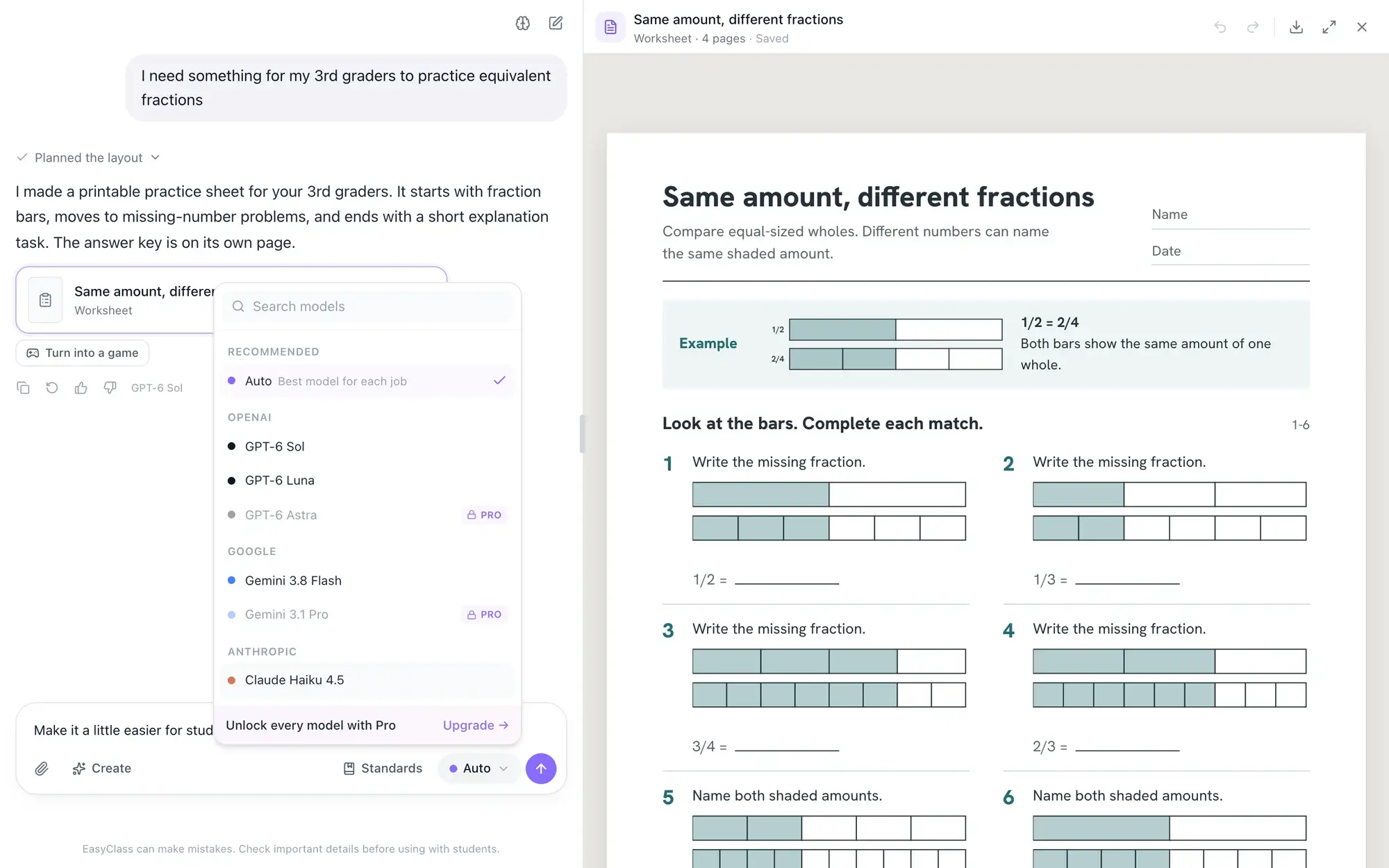
Classroom-ready
Classroom-ready documents, whichever model wrote them
A general chatbot gives you text to copy into a document. EasyClass gives every model the same layouts and design rules, so a quiz made with Claude looks like one made with GPT or Gemini: real pages, room to write and an answer key on its own page. It all lands in one library. Read more about the AI worksheet generator and the AI slide maker for lessons.
- Print or save as a PDF
- Slide decks you can present full screen
- Pictures come from an image model, whatever chat model you use
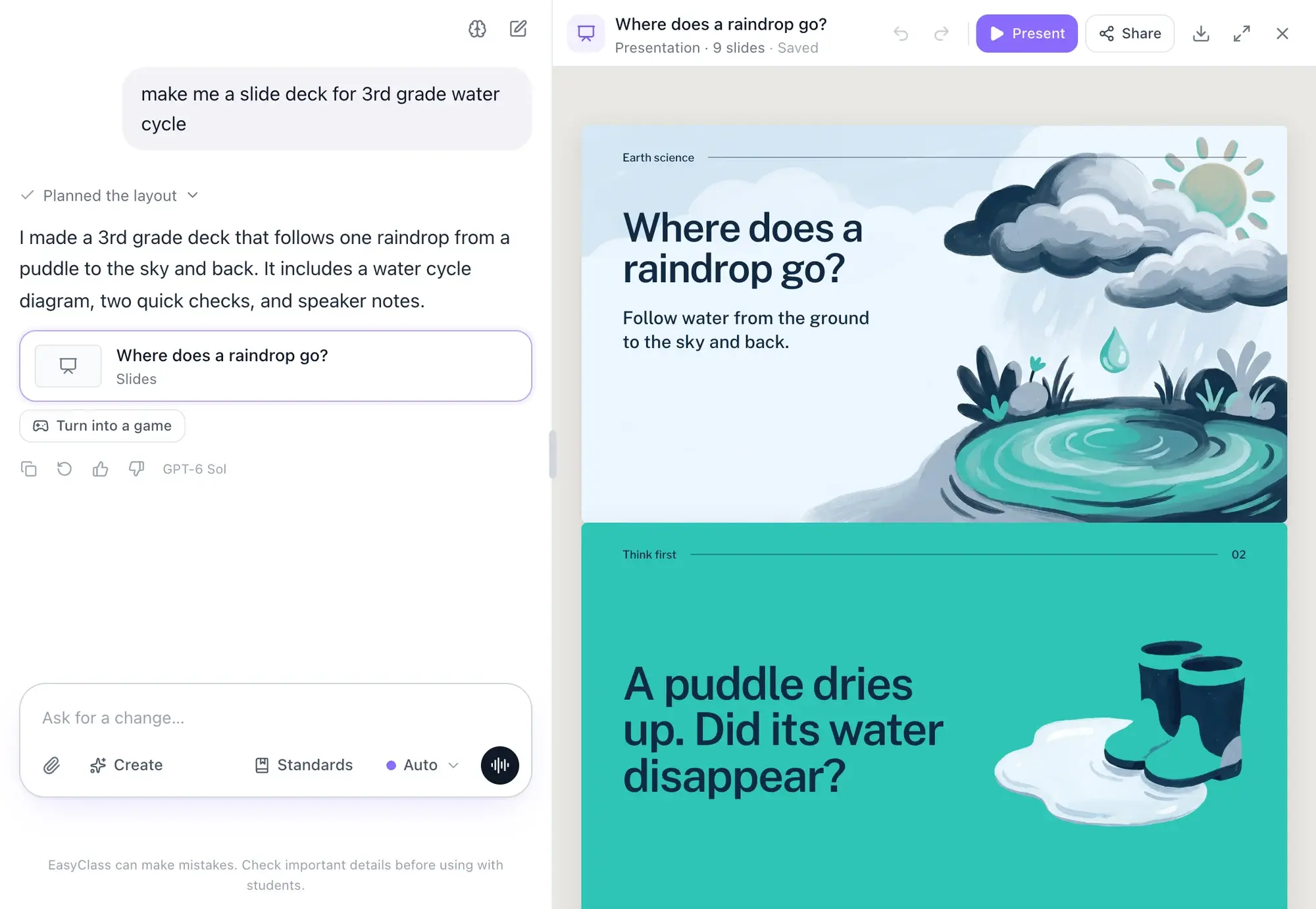
Free and Pro
Which models are free, and what Pro adds
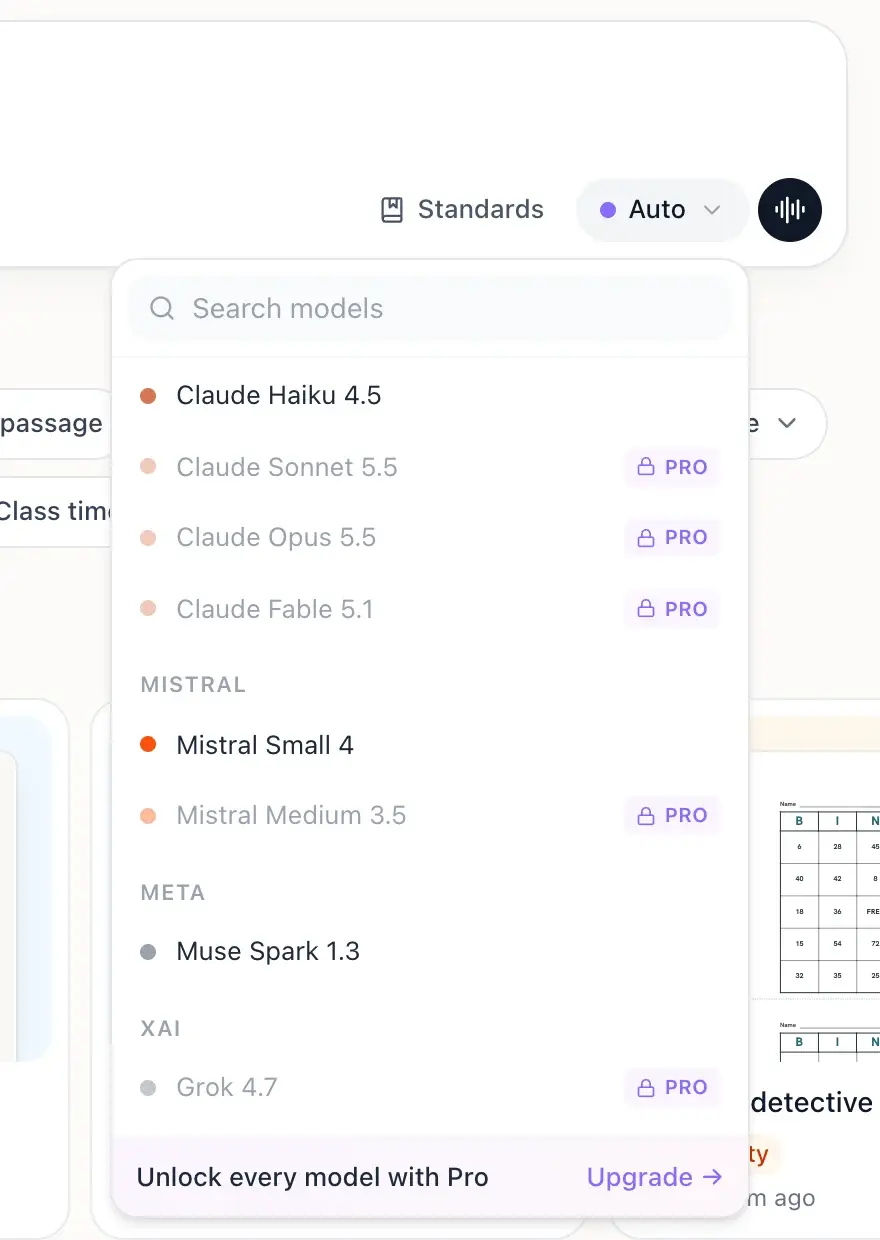
The free plan includes Auto and a set of standard models from several companies, with 15 chat messages a month. Pro opens every model in the menu, including the larger Claude, GPT and Gemini models, with unlimited chat. Locked models show a Pro badge in the menu, so you always know before you pick. The list changes as new models come out. See plans and prices.
- Auto works on every plan
- Free: the standard models
- Pro: every model, unlimited chat
Which AI is best for lesson planning, worksheets and feedback?
There is no single best model, and we won’t invent scores. Here is how Auto routes common teaching jobs, with notes for choosing yourself. Try the same request on two models and keep the one you like.
- Auto: fast model
Quick questions and ideas
Bell ringers, discussion questions, a quick explanation. Auto sends these to a fast model, today a Gemini Flash model.
- Auto: stronger model
Lesson plans and unit plans
Auto uses the stronger model, because a plan has to hold together. Choosing yourself? Claude models have a reputation for long, well-organized writing.
- Auto: stronger model
Worksheets and quizzes
Anything that becomes a printed page goes to the stronger model. Any model in the menu can make one if you prefer.
- Auto: stronger model
Editing the open document
Make it easier, add a question, translate it. In our tests on real teacher edits the fast model was slower, so edits stay on the stronger model.
- Auto: fast model
Emails and feedback to families
A note home is chat, so it gets a fast answer. If tone matters, try a Claude or GPT model and compare.
- Auto: a model that sees images
Reading a photo or scan
Attach a photo of a worksheet or a book page and Auto uses a model that can read images.
How teachers use different models
K–2
- Decodable stories and phonics practice
- Coloring pages and picture cards
3–5
- Leveled reading passages with questions
- Math practice with an answer key
6–8
- Unit plans and lesson slides
- Quizzes with mixed question types
9–12
- Essay prompts and discussion questions
- Lab handouts and review guides
How EasyClass is different from a single chatbot
| EasyClass | A general chatbot | |
|---|---|---|
| Models | Claude, GPT, Gemini and more in one menu | Usually one company’s models |
| Choosing | Auto picks per message, or you pick | You pick, or one default for everything |
| Switching | Mid-chat, same history | Start again in another app |
| What you get | Printable worksheets, slides and quizzes | Text to copy into a document |
Your prompts and your class stay private
Every model is reached through one AI service, with the same privacy rules whichever you pick. Our privacy policy explains what is sent and kept, and schools can sign our data processing agreement.
- Zero data retention is turned on with our AI provider
- AI providers do not train on your data
- Student names are not sent to the AI
- What EasyClass remembers about your class is saved to your account, not to one model, and you can edit it
Questions teachers ask
Which AI is best for teachers?
No single model is best for every teaching job, which is why EasyClass has Auto. It sends quick questions to a fast model and worksheets, lesson plans and slides to a stronger one. If you have a favorite Claude, GPT or Gemini model, pick it and EasyClass keeps using it.
Is this the same as ChatGPT?
No. EasyClass is a separate teacher tool that uses OpenAI’s GPT models, the family behind ChatGPT, alongside Claude, Gemini and others. The difference is the output: instead of text to copy, you get worksheets, quizzes and slide decks ready to print or present.
Can I use Claude for free?
Yes. The free plan includes a smaller Claude model, along with GPT and Gemini models and Auto. The larger Claude models need Pro. The menu marks Pro models with a lock, so you can see which ones are open to you before you pick.
How does Auto decide which model to use?
Auto reads each message and decides what the answer has to do. Chat, ideas and emails go to a fast model. Making or changing a document goes to a stronger model. A model you choose yourself always wins over Auto.
Will my documents look different with a different model?
No. Every model works from the same layouts and design rules, so worksheets and slides come out in the same format whichever model wrote them. They land in one library, where you can reopen any document and keep working with any model.
Are my prompts used to train AI models?
No. Our privacy policy says AI providers do not train on your data, and zero data retention is turned on with the AI service we use. Student names are not sent to the AI. You can read the details on our privacy page.
Works well with
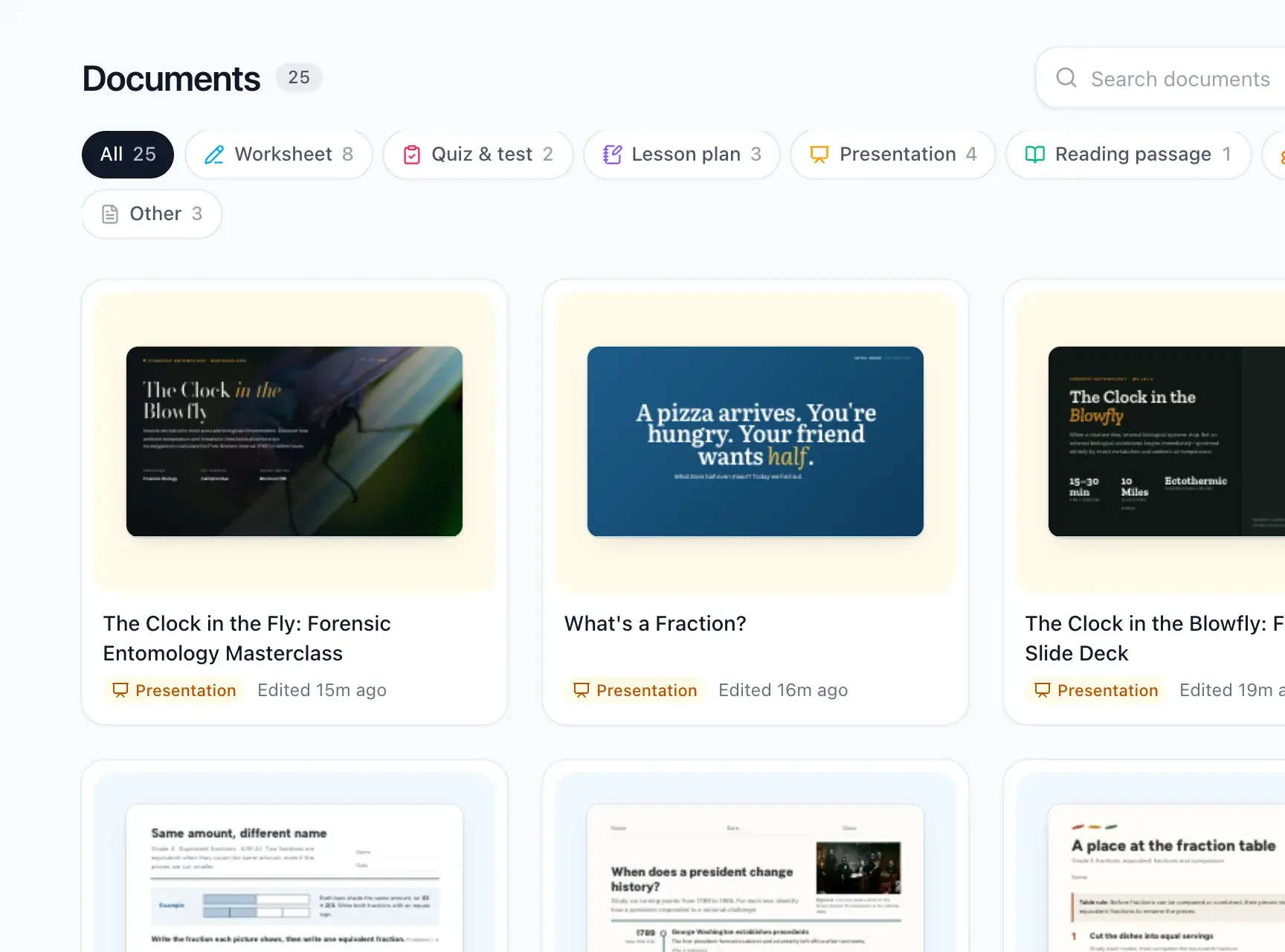 Worksheets and quizzesPrintable worksheets, quizzes, lesson plans and reading passages.
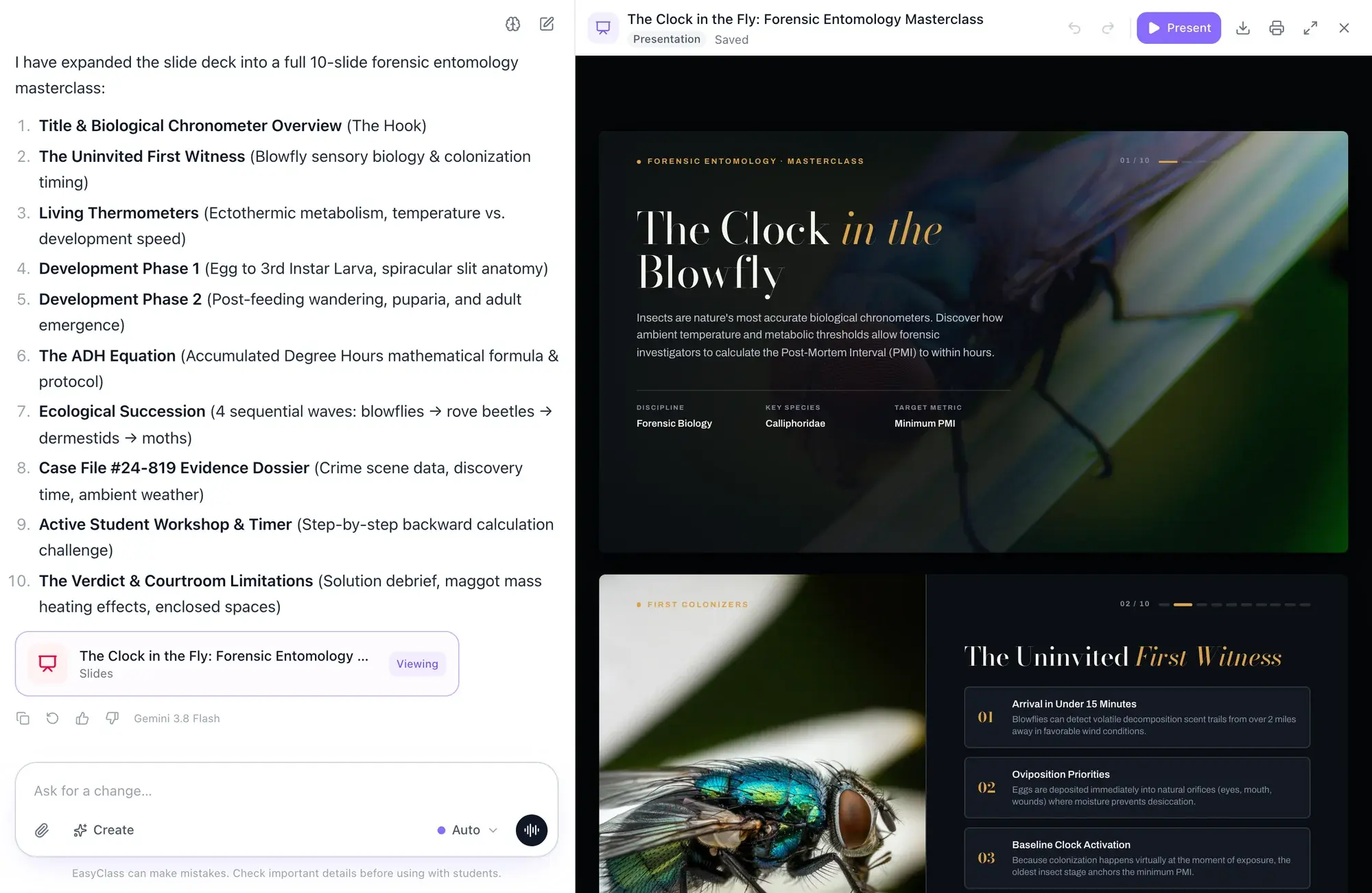 SlidesLesson slide decks with pictures and diagrams, ready to present.
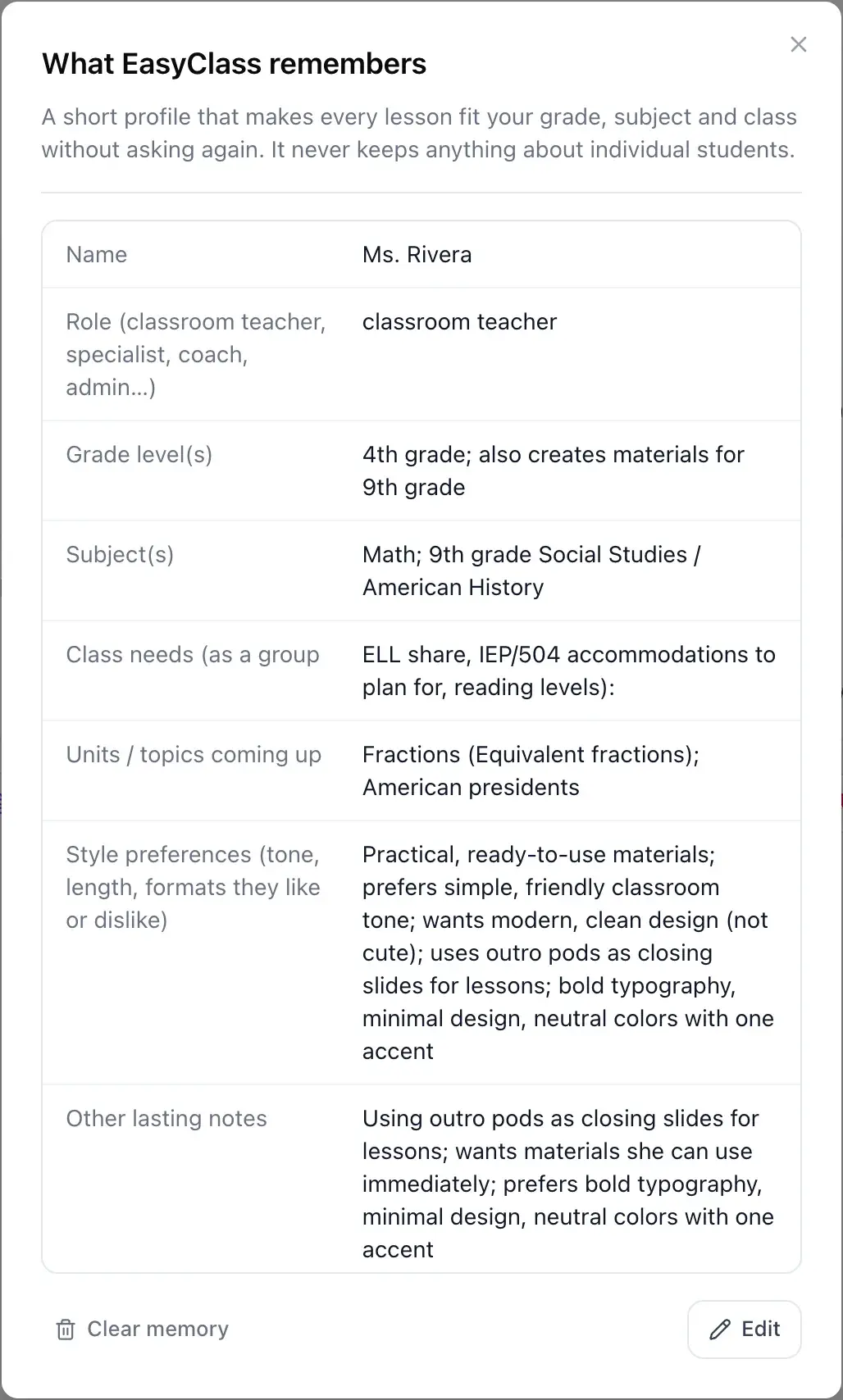 MemoryIt remembers your class, never your students’ details.
See all EasyClass featuresBest free AI tools for teachers (2026): 11 comparedThe 5-step AI lesson planning workflow for teachers
Updated

Stop choosing between AI apps
Claude, GPT and Gemini in one place, with Auto to pick for you and classroom-ready documents every time. Start free, no credit card.