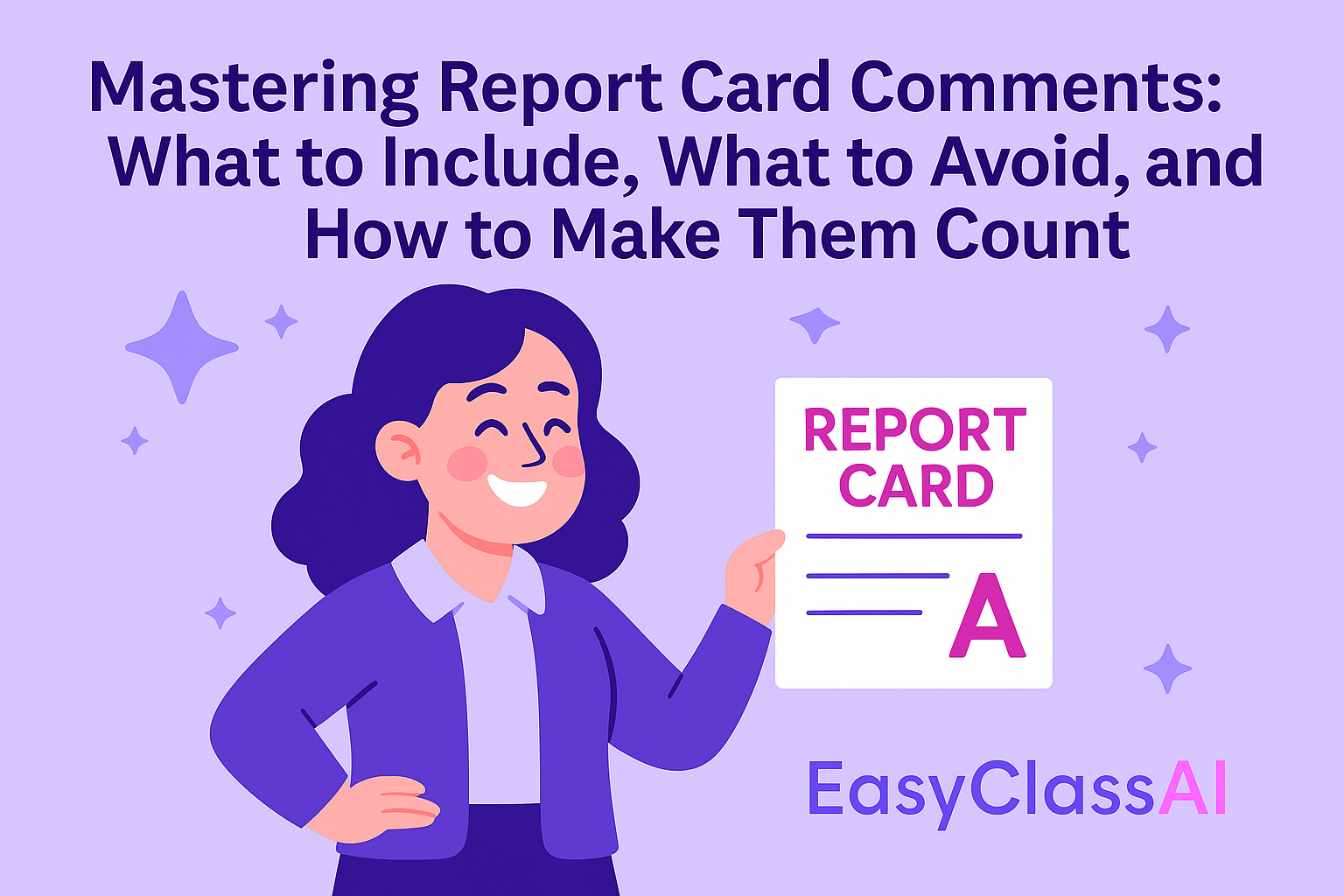
It’s midnight, grades are due tomorrow, and you’re staring at a blinking cursor. How are you supposed to come up with 25 thoughtful, unique report card comments that don’t sound copy-and-pasted? If that scenario feels all too familiar, you’re not alone. Writing effective comments is one of the hardest parts of reporting student progress.
But here’s the good news: when done well, report card comments are one of the most powerful tools we have as teachers. They go beyond grades to tell the real story of a student’s growth, strengths, and next steps. Parents remember them, students are encouraged by them, and administrators often look to them as evidence of classroom impact.
So let’s break down what makes comments effective, what to avoid, and how to make the process easier.
Why Report Card Comments Matter
Grades alone rarely tell the whole story. A “B” doesn’t explain that a student improved dramatically over the quarter. A “C” doesn’t show that they light up during class discussions but struggle with organization.
Thoughtful report card comments matter because they:
-
Give context beyond the grade.
-
Build trust with parents and caregivers.
-
Encourage students by celebrating strengths.
-
Guide growth with clear next steps.
In fact, many parents report that they read the comments before looking at the actual grades.
What You Should Include in Report Card Comments
When in doubt, follow this formula: Strengths + Growth Areas + Next Steps.
Here are four essentials:
-
Specific Achievements
-
“Samantha showed improvement in multiplication fluency, moving from single-digit to multi-digit with confidence.”
-
-
Strengths & Interests
-
“Jason shines when given opportunities for class discussion and group projects.”
-
-
Areas for Growth (phrased constructively)
-
“Needs reminders to turn in assignments consistently but demonstrates strong understanding when work is submitted.”
-
-
Actionable Next Steps
-
“Reading with an adult at home three times a week will help build fluency and confidence.”
-
What You Shouldn’t Include
Just as important as what you write is what you leave out. Avoid:
-
Vague clichés: “Nice student,” “Good effort.”
-
Negative-only feedback: Balance challenges with strengths.
-
Personal judgments: Don’t label students as “lazy” or “unmotivated.” Focus on behaviors, not character.
-
Eduspeak overload: Parents don’t want a wall of jargon like “demonstrates mastery of inferencing standards.” Keep it parent-friendly.
Good vs. Bad Examples
Sometimes it helps to see the difference in action.
❌ “Needs to pay attention more.”
✅ “Shows strong engagement during group activities but benefits from reminders to stay focused during independent work.”
❌ “Struggles in reading.”
✅ “Is building confidence in reading comprehension and can benefit from additional practice with nonfiction texts at home.”
How to Make Comments More Effective
Think of comments as mini-conversations with parents. To keep them clear, honest, and encouraging, try these strategies:
-
Be concise: A few well-crafted sentences are more effective than a long paragraph.
-
Use clear language: Write in a way parents can easily understand.
-
Balance honesty with encouragement: Even tough feedback should end with hope.
-
Personalize: A nod to personality goes a long way. “Always greets classmates with a smile” means more than you think.
Quick Checklist Before You Hit Submit
✅ Does this comment highlight at least one strength?
✅ Does it explain one area for growth?
✅ Does it offer a clear, actionable next step?
✅ Is the tone professional but encouraging?
✅ Would a parent understand it without extra explanation?
If you can check off all five, you’re in good shape.
Making It Easier With AI Support
Here’s the truth: writing 30+ unique comments in one sitting is exhausting. You want each to be personal, but you also need to meet the deadline.
That’s where technology can help. EasyClass AI has a Report Card Comment Generator under AI Tools that drafts comments based on the strengths and challenges you provide. Instead of starting with a blank page, you start with a personalized draft you can tweak to sound like your own voice.
It’s not about replacing your judgment — it’s about saving time and energy so you can focus on what really matters: supporting your students.
Try the Report Card Comment Generator today and see how much easier (and faster) the process can be.
Closing Thoughts
Report card comments aren’t just another box to check. They’re a chance to celebrate growth, encourage students, and build strong connections with families. The words you write stick with people far longer than a letter grade — sometimes for years.
So next time you’re staring at that blinking cursor, remember: keep it specific, keep it balanced, and keep it encouraging. And if you need a little help along the way? EasyClass AI has your back.